1. Add your docs
In a new folder, create adocs.json file:
docs.json
name, colors.primary, and navigation are required. theme is optional: Docs7 renders every site with the mint theme. The dev server reports a missing field as docs.json is invalid.
Then add the first page:
index.mdx
2. Install the CLI
Use Node.js 20.19 or newer. Install the package globally:docs7 command to your terminal.
3. Start the dev server
Run this from the folder that containsdocs.json:
You can also run the CLI without installing it:
npx @upstash/docs7 dev.4. Publish
With the CLI
Run these commands from your documentation folder:docs7 deploy publishes to production without a GitHub repository. It shows the site overview link and prints the public URL when the build is ready.
Run docs7 deploy again after you edit your docs to update the same site. Keep .docs7/project.json, which stores the site link. See the CLI reference for login options, previews, and upload exclusions.
With GitHub
- Push the project to GitHub.
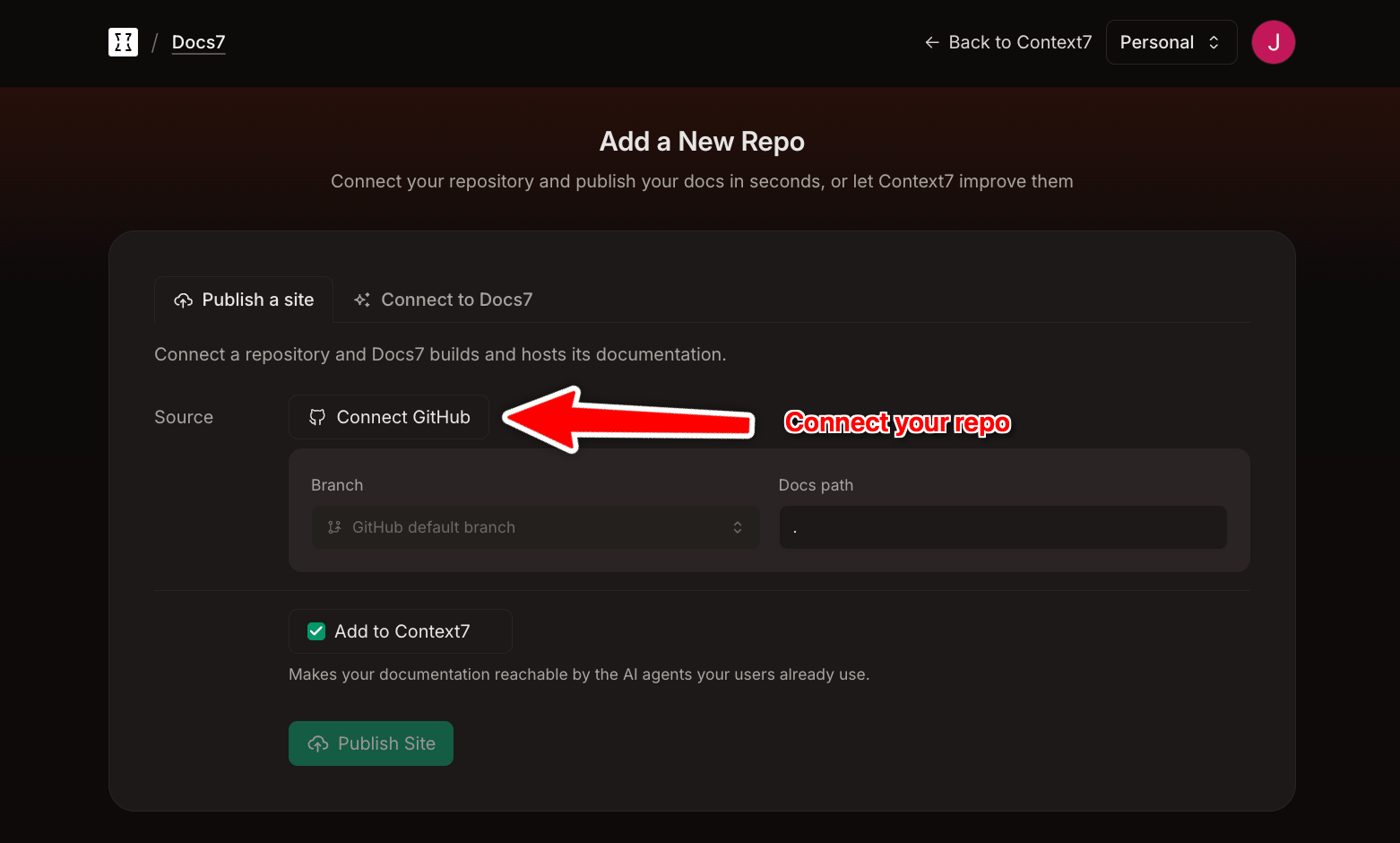
- Open the Docs7 tab in your Context7 teamspace.
- Click Add New Site and choose the repository.
- Set the production branch and the folder that contains
docs.json. - Click Publish Site.