

Agent-readable endpoints
Every Docs7 site publishes these machine-readable surfaces: The paths below are relative to the documentation root. For a site mounted atexample.com/docs, /llms.txt is available at example.com/docs/llms.txt.
An agent can also request a normal page URL with
Accept: text/markdown. Docs7 returns Markdown when the client prefers it. HTML responses advertise the Markdown page, both llms.txt files, and the Agent Skills index through Link headers.
If you provide llms.txt or llms-full.txt at the docs root, your file replaces the generated version.
Recover from hallucinated URLs
Agents often request URLs that do not exist. They guess a path from a page title, drop a segment, or reuse a URL from an older version of the docs. Instead of returning an empty 404, Docs7 responds with smart suggestions: the pages the agent was most likely looking for, with their Markdown URLs.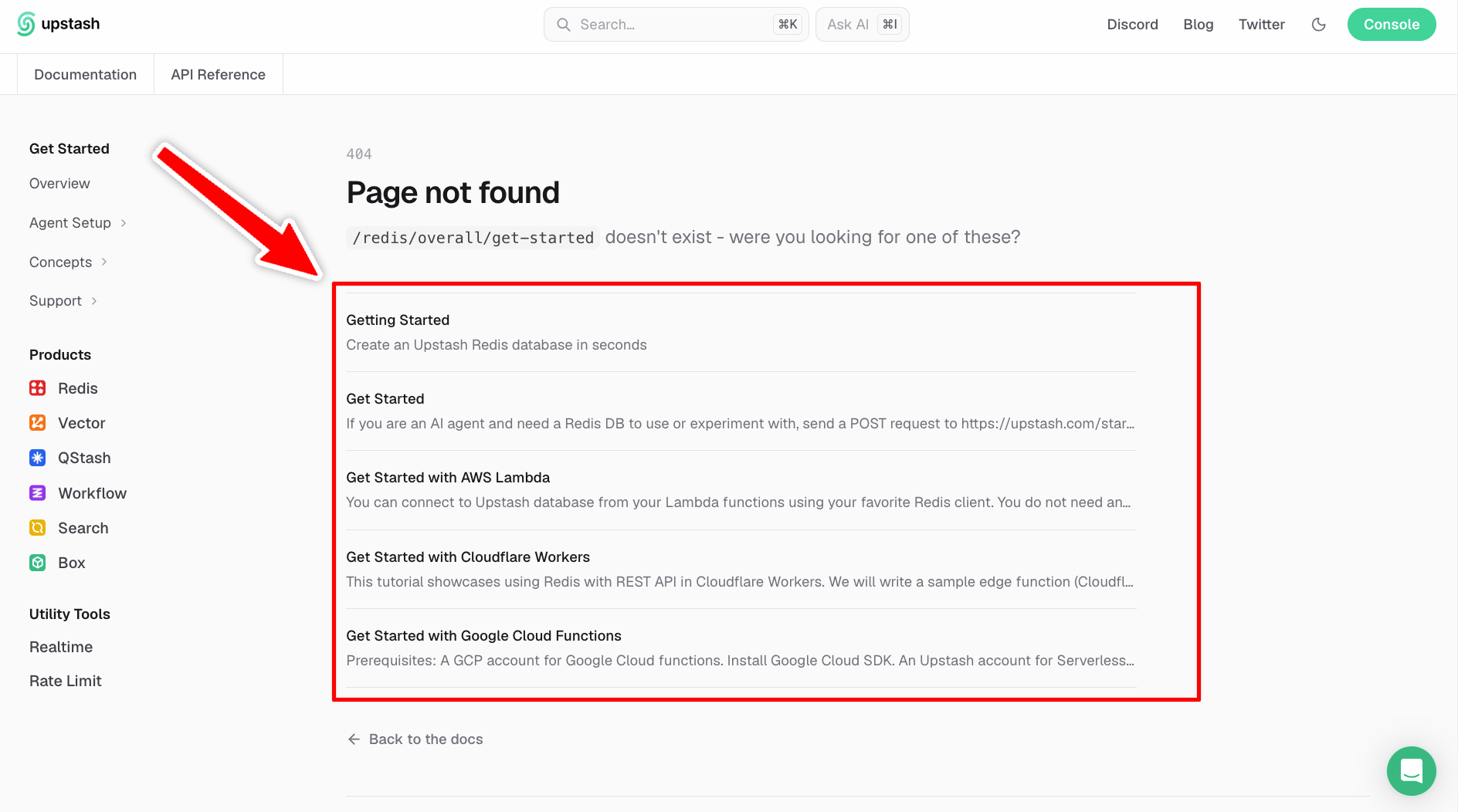
A request for a page that does not exist returns the closest matching pages instead of an empty 404.
/config.md on a site whose page lives at /configuration.md receives that page as a suggestion. The agent can follow it directly without running a separate search, so a wrong guess costs one extra request instead of a dead end.
Write content for agents
Use the same source for people and agents whenever possible. When an agent needs extra context, useVisibility:
for="agents" appears in Markdown output but not on the website. Content inside for="humans" appears on the website and is removed from Markdown output. See the Visibility component.
For reliable retrieval, use exact API names, configuration keys, error messages, and stable headings. Link to the page that owns a fact instead of copying the same instructions into several pages.